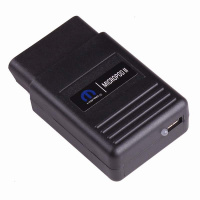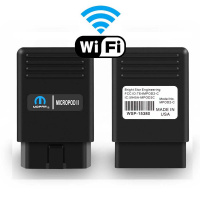
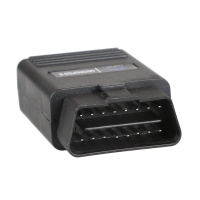
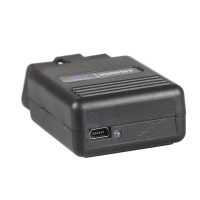
V17.04.27 WiTech MicroPod 2 Diagnostic Tool for Chrysler/Dodge/Jeep/Fiat
Notice : wiTECH
Micropod 2 diagnostic tool with V17.04.27 wiTECH software can
work online and support for Chrysler online programming ( But you should
have an account )
Top 4 Reasons to Get wiTECH MicroPod 2 Diagnostic Tool:
1. Software Version: V17.04.27
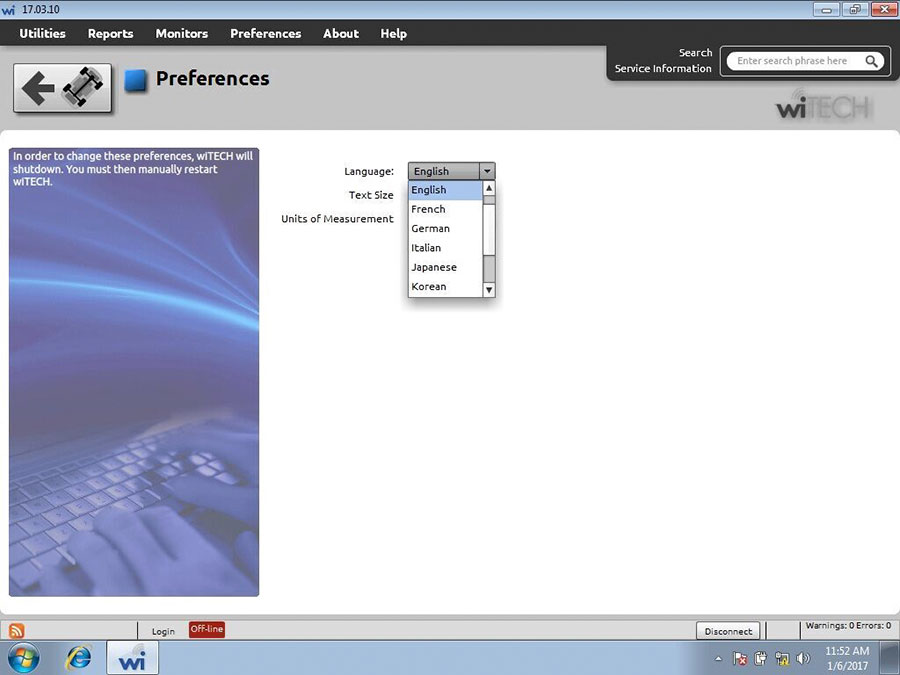
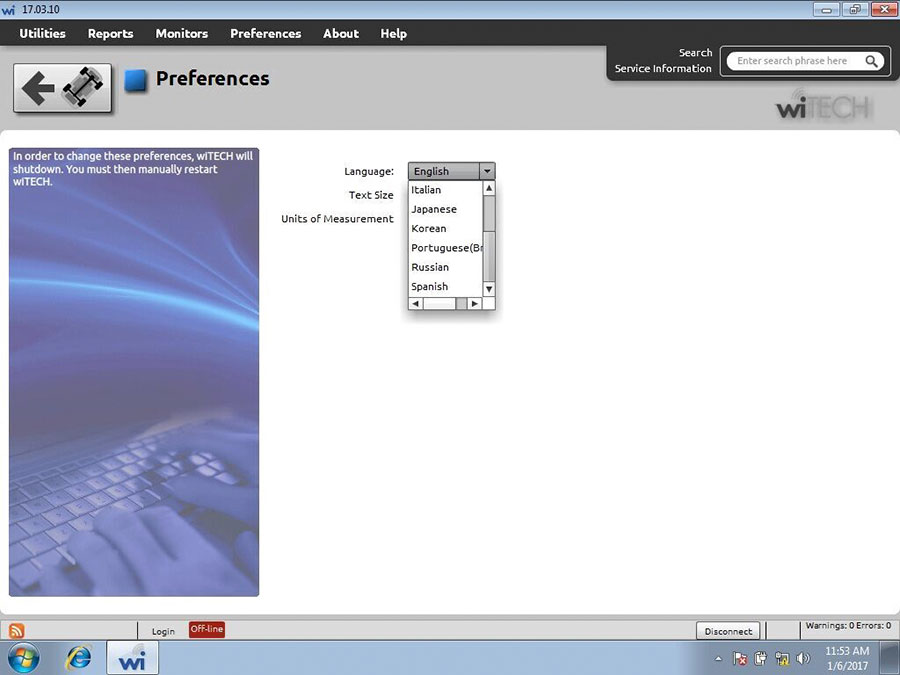
2. Multi-Languages available: English, French, Spanish, German, Italian, Russian, Japanese, Korean and Chinese
3. PC-Based: Requires PC connection (4GB memory at least)
4.Support
both online and offline programming, wiTECH MicroPod 2 can work online
and support for Chrysler online programming(If you have a account).
Using Tips (Important):It can't be updated and connected with the network connection.
MicroPOD II model year coverage:
Although
small in stature, this dongle-style device offers 100% CAN - equipped
coverage to 2016 for Chrysler, Dodge, Jeep, and Fiat vehicle platforms.
MicroPOD II features:
1.Supports all the latest technologies and vehicle platforms including for Chrysler and Fiat Vehicles.
2.Works as a direct replacement for the wiTECH POD
MicroPOD II function:
1.
It can be used as diagnostic and programming tool by the dealerships.
It replaces your StarMobile, StarScan, and wi-TECH POD, and enables your
technicians to increase their productivity and provide world-class
diagnostic services to your customers.
2.
A separate Tech Authority Subscription is required to access to Module
Re-Flash Programming, TSBs, wiring diagrams, and repair information.
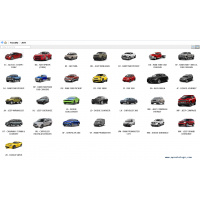
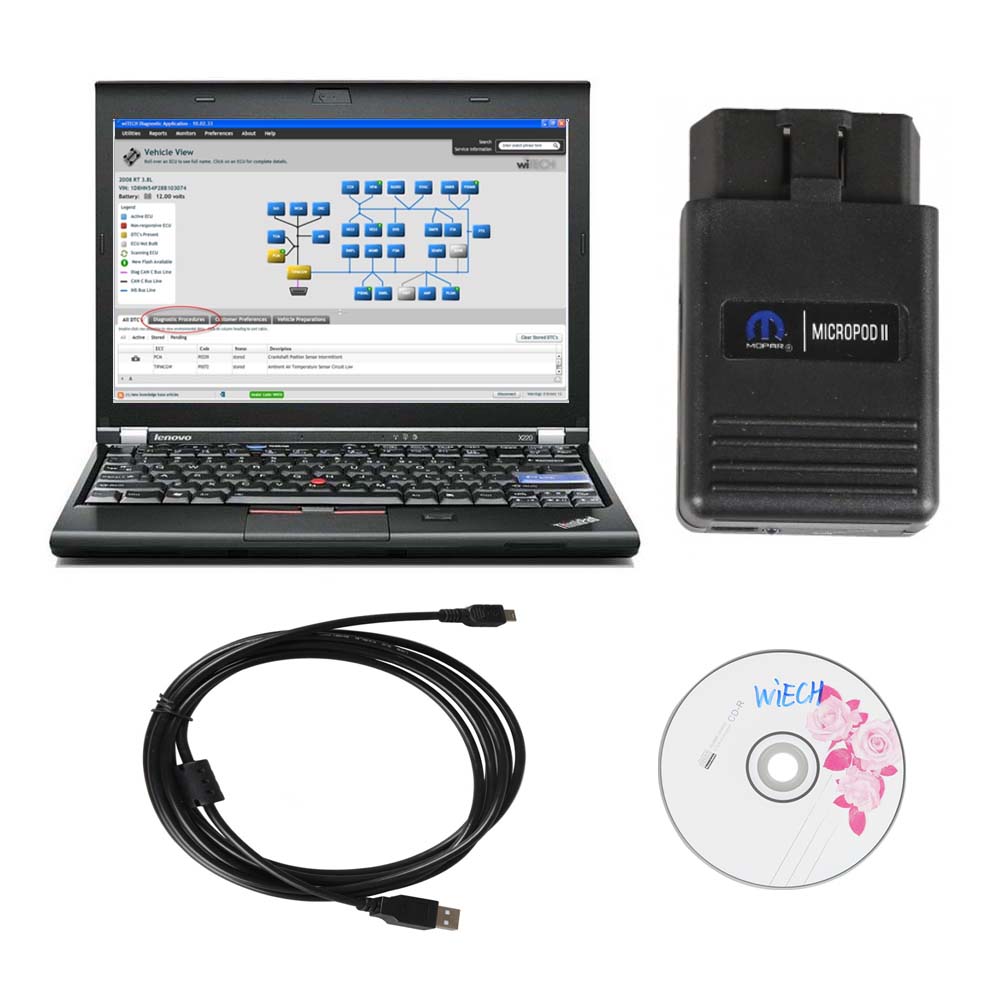
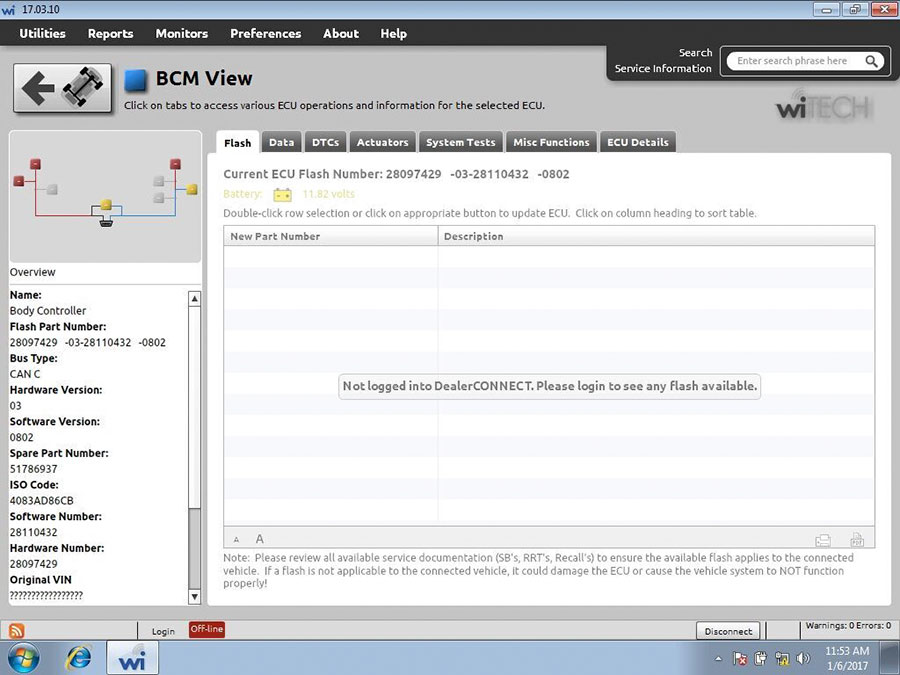
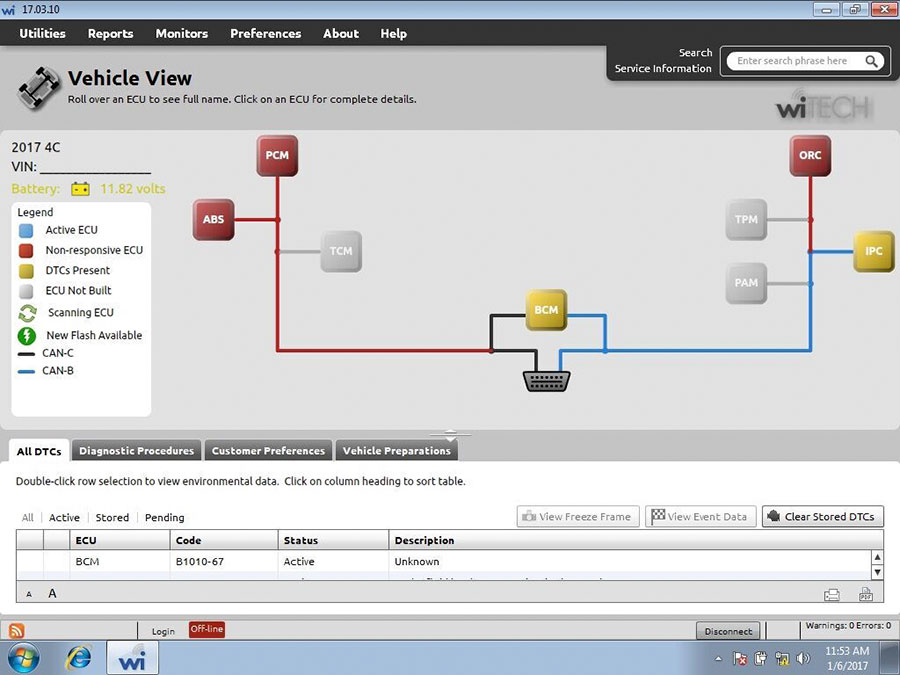
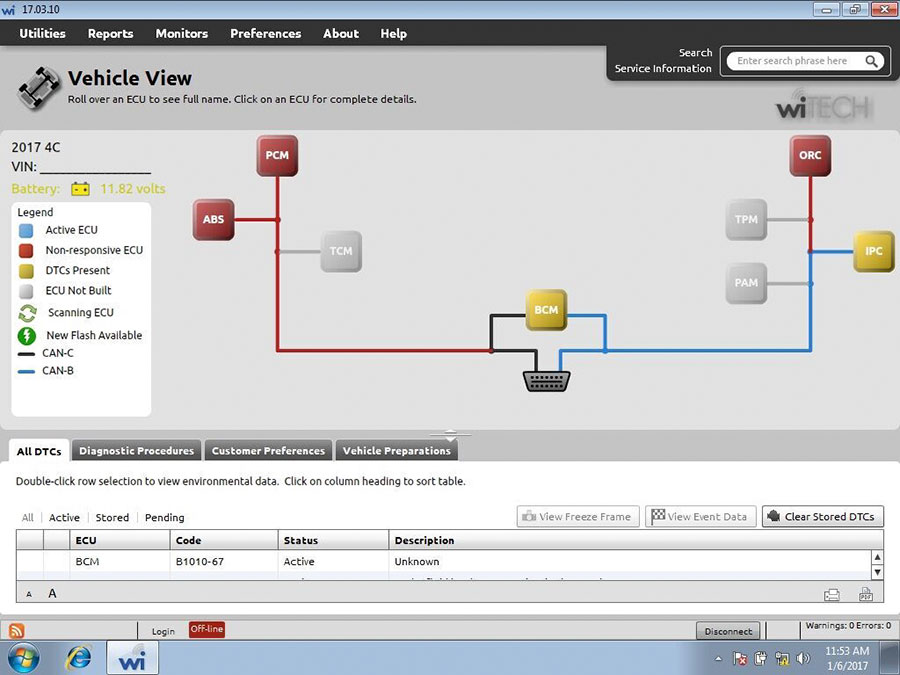
MicroPOD II Software Display:
Solutions to wiTech MicroPod 2 V17.04.27 register error
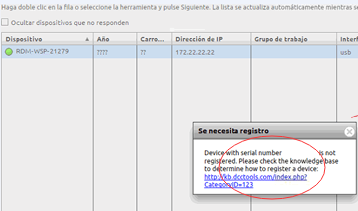
Issue:“Registration is needed
Device with serial number** is not registered. Please check the knowledge base to determine how to register a device”
Working Solutions :
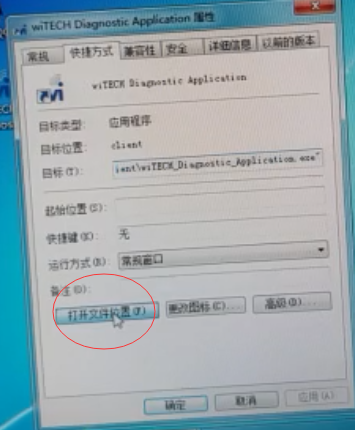
1.Right click Witech Diagnostic Application-> Properties->Open file location
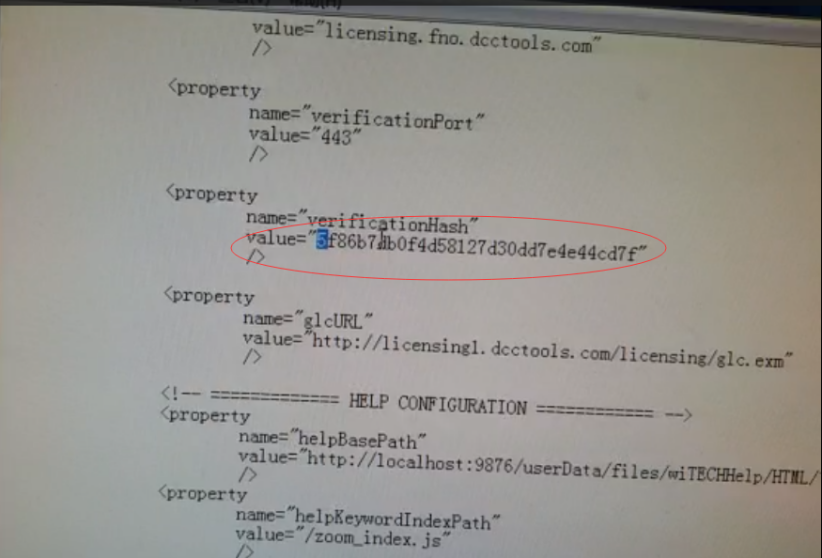
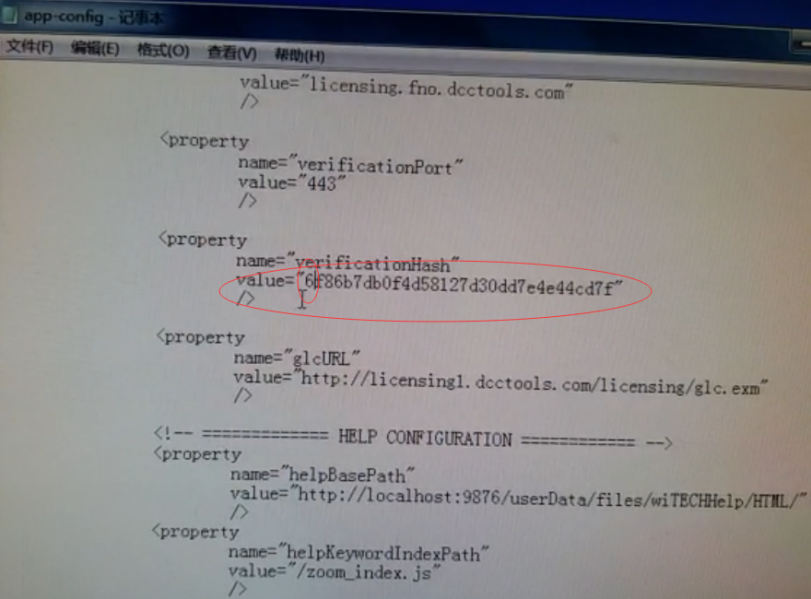
2.Enter C:/Program Files (x86)/DCC Tools/wiTECH/client. Open app-config text file wiTech MicroPod 2 V17.04.27 is not registered-03
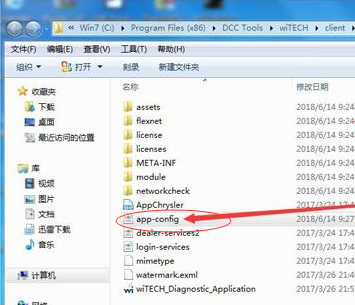
3.Find out “VerificationHash”, then the followed “Value”, change the first number to any value i.e change 6 to any number between 1-9. Then save the text file. (Very important!!!)
Run Witech Micropod II software.
If it still display message” an internal registration error has occurred “, just close this windows to ignore it.
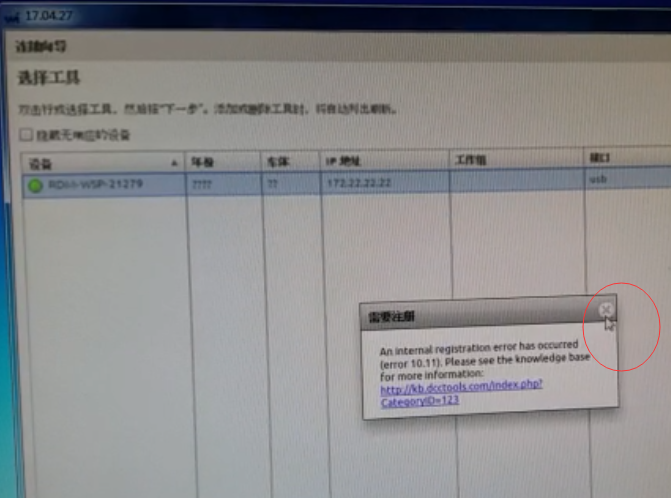
Tick off ” Offline work” at the left corner of screen, then you don’t need to login.Click on “Finish”. Problem Fixed.
Go on using wiTech MicroPod 2 to diagnose or program
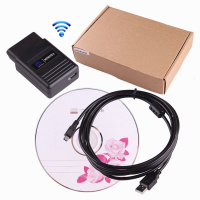
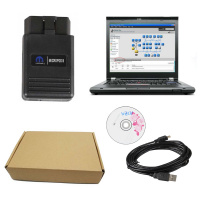
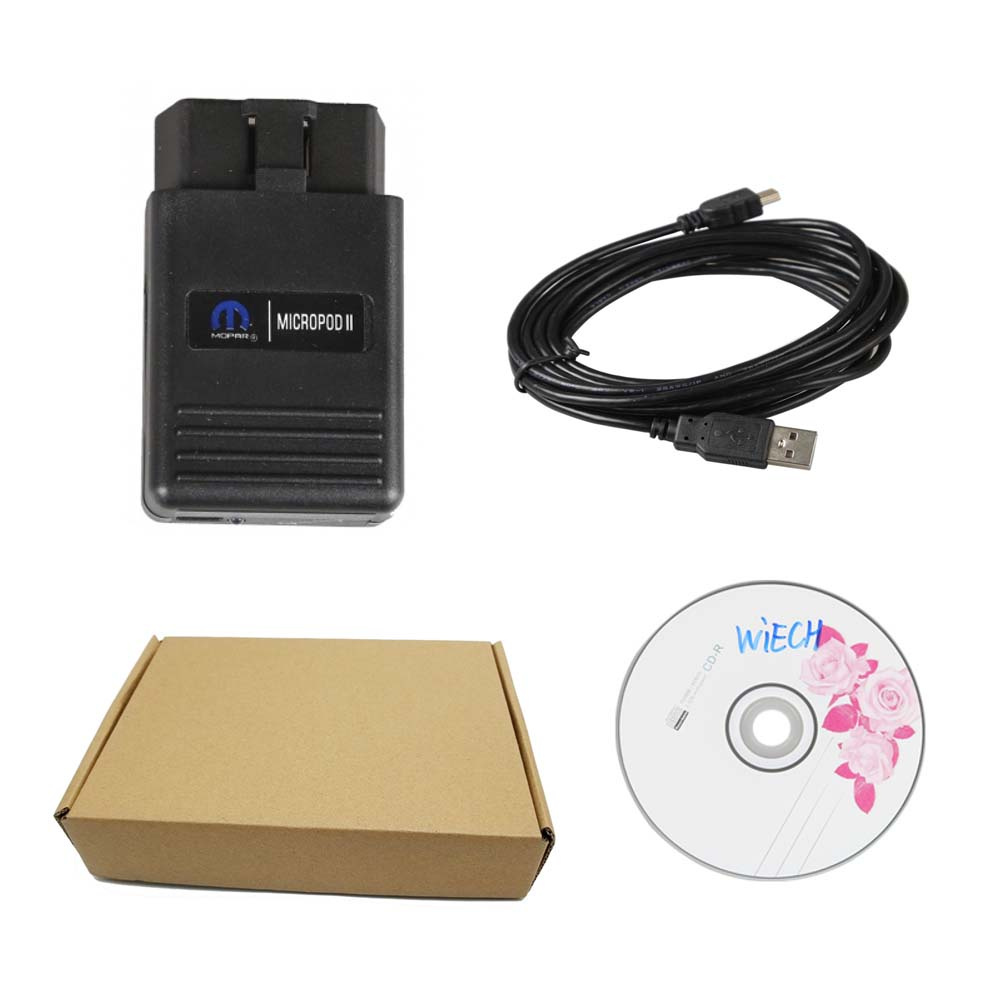
Packing List :
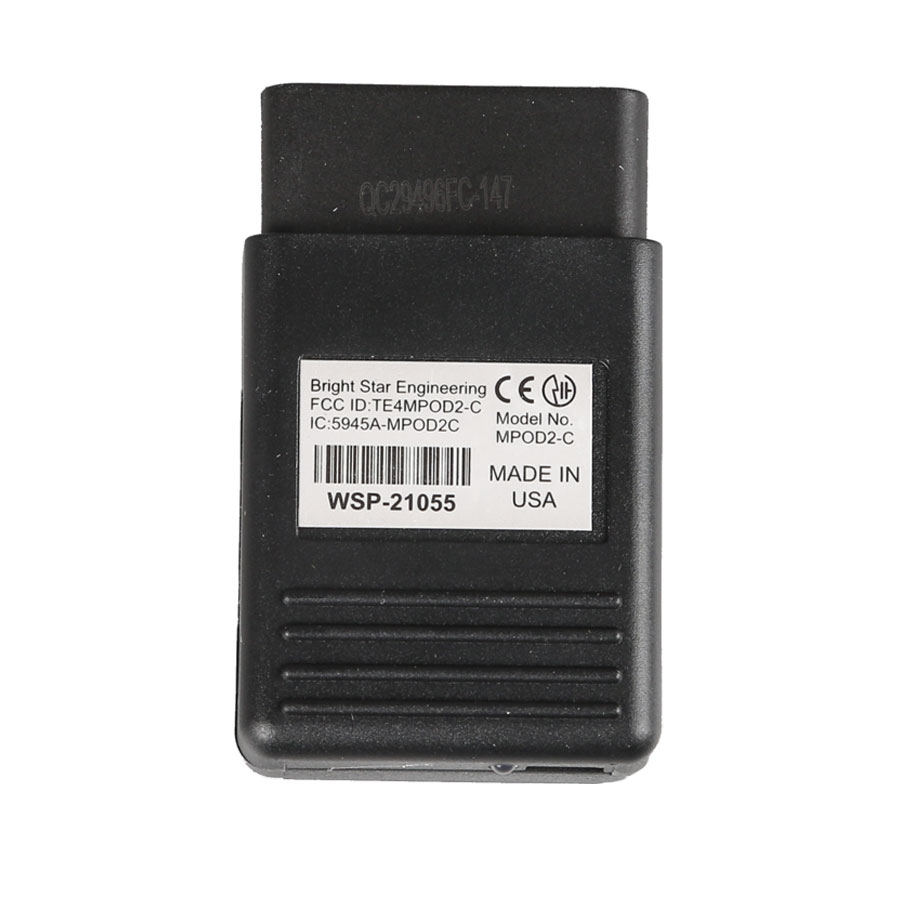
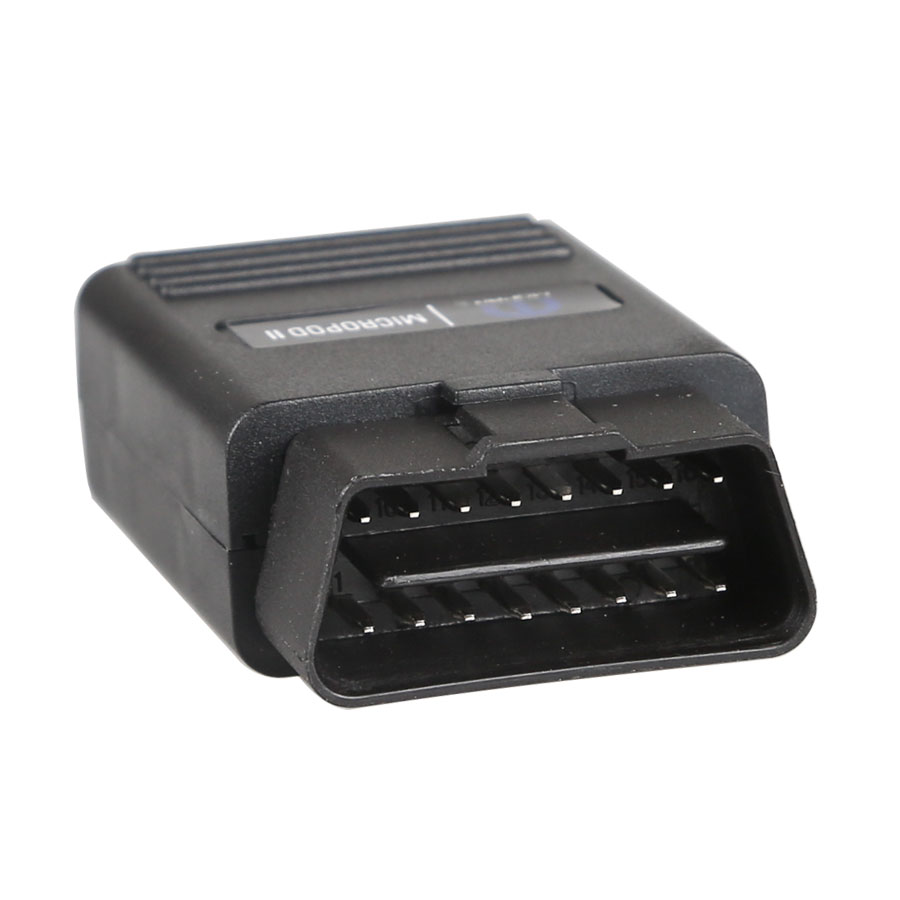
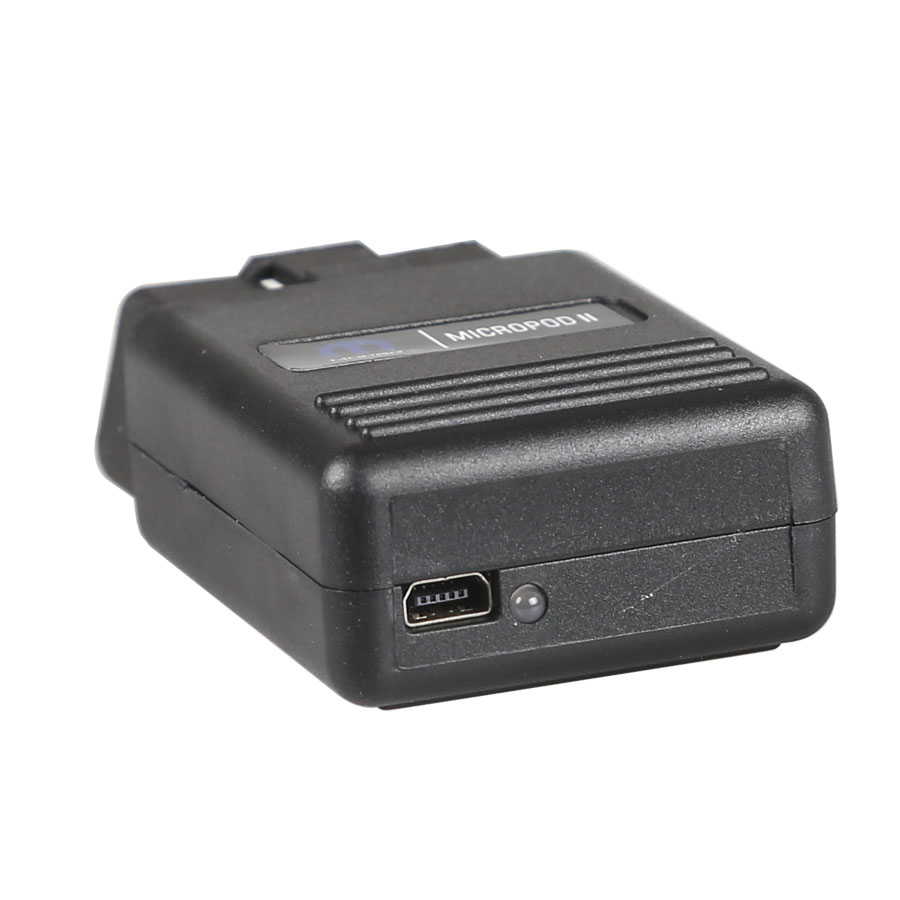
1.wiTech MicroPOD 2 interface
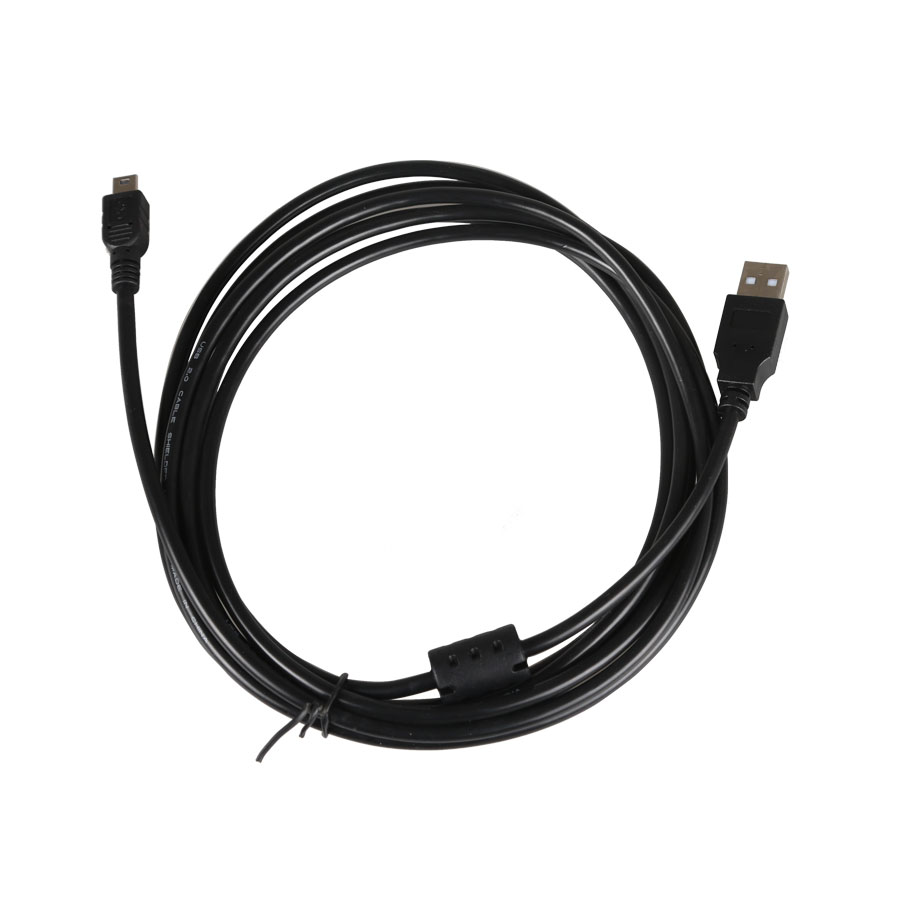
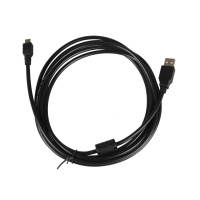
2.USB cable
3.CD installed (included)
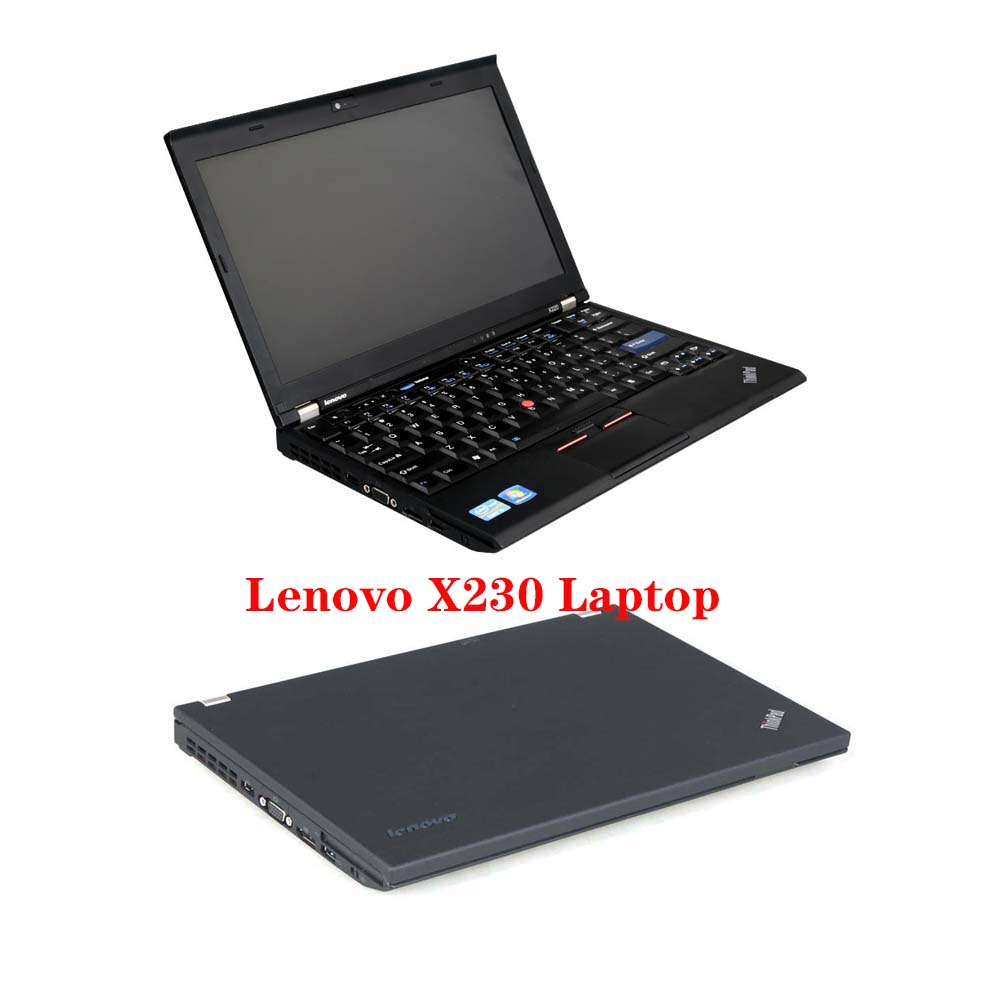
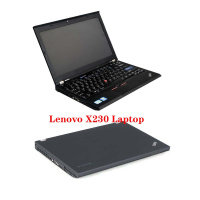
4.Second hand Lenovo X230 Laptop with software ( Option )
Second Hand Laptop Lenovo X230 Specification:
Brand:Lenovo
Condition:Used
Type:Laptop/Notebook
Screen Size:12.5
Processor Type:Intel (R) Core(TM) I5-3320M CPU
Memory:8GB
Processor Speed:2.6GHz
Please feel free to contact us ,If you have any question: Email: Sales@obd2.ltd Whatspp: +8613632856735  Shipping Terms: Shipping Time: Return Policies: Contact Us: Attention: PLZ leave your telephone number and address in detail when you take order in our website, it is very important to ship your order. (Customers from Brazil PLZ leave your Cutsom ID also, thanks!) |