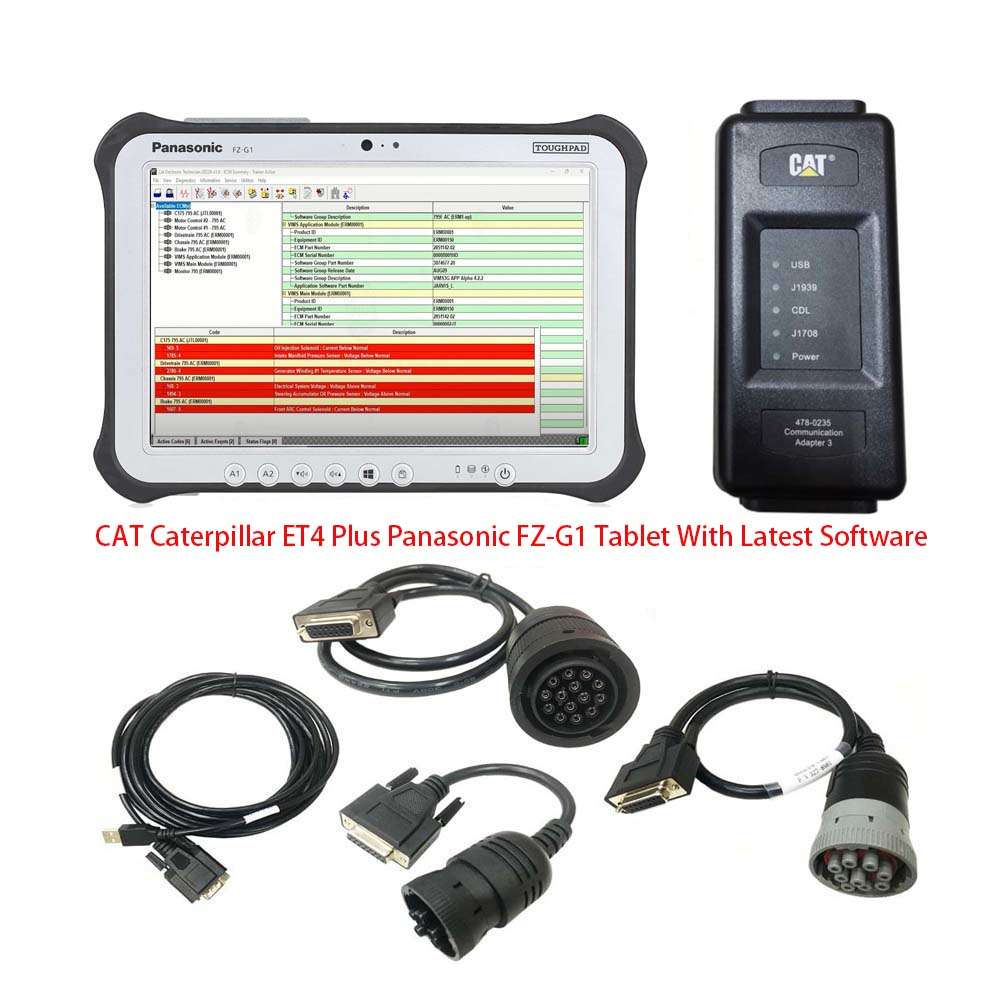
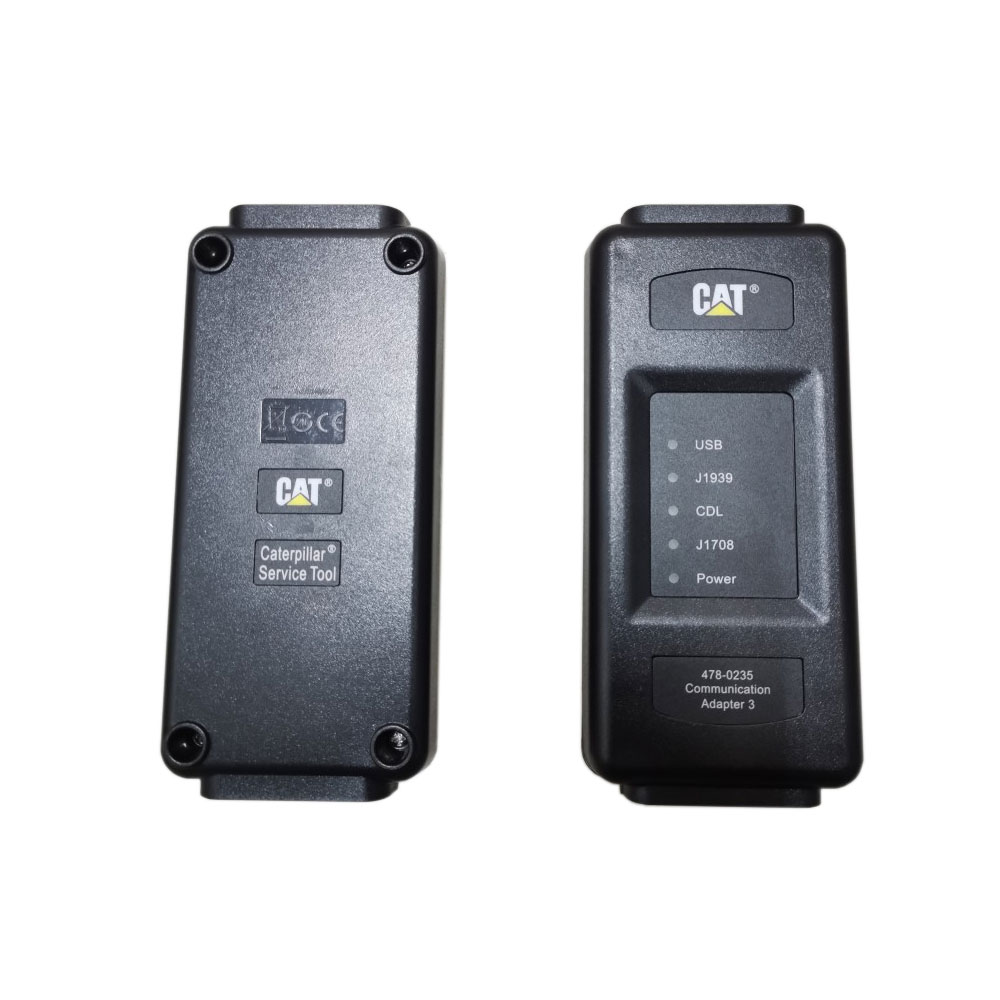
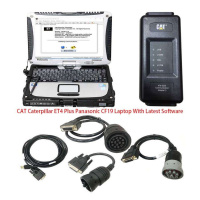
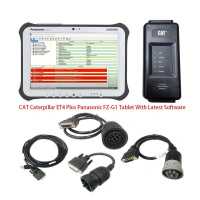
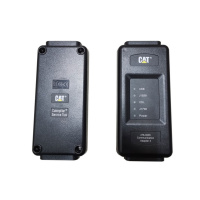
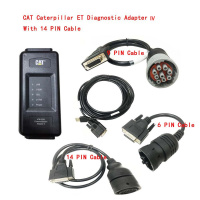
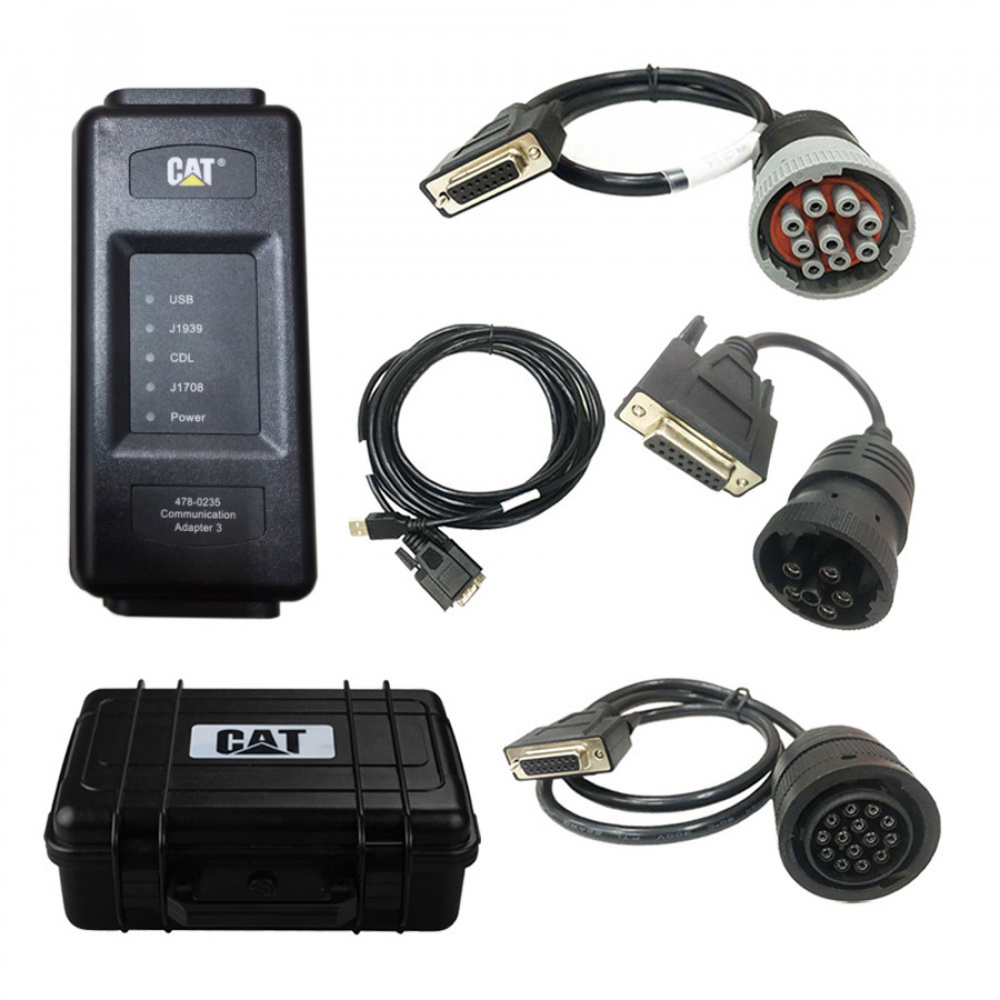
Latest 2026B/2019C CAT Caterpillar ET 4 Diagnostic Adapter CAT Truck Diagnostic Tool
Top 5 Reasons To Get CAT Caterpillar ET Diagnostic Tool Adapter 4
1. Latest Version:2026B [07.2026]/2019C(option) Replace CAT ET 2026A, 2025C, 2019C
2. 2019C Supported Operating System: Windows 7 32 bit, Wnidows 7 64 bit, Windows 8/8.1 32 bit, Windows 8/8.1 64 bit, Windows 10 32 bit, Windows 10 64 bit
2026B Supported Operating System: Windows 8/8.1 32 bit, Windows 8/8.1 64 bit, Windows 10 32 bit, Windows 10 64 bit, Windows 11 64 bit, Windows 11 Pro 64bit
3. We will activate it after installing 2026B/2019C version software.(Pls contact us after software installed we will remote control to activate software for you)
4. Supported Language: Chinese(Simplified), Danish, German(Germany), French(France), Portuguese (Portugal), Japanese, Spanish (tradition), Italian(Italy), English(America)
5. Support caterpillar diagnostic till 2026
Newest Cat Caterpillar ET 2026B Diagnostic Software:
https://mega.nz/file/ehNTwJaK#j92C-COtx2bga-K9Ias-TyDhnIjKXBGZ6_zjRKkAtBg
Pls note: CAT 2026B version software includes Caterpillar Cat factory password generator 10 digit pw, you can press the ctrl+f2 shortcut to bring it up.
Caterpillar electronic technician 2026B with WinFlash future is an updated version of the caterpillar dealer diagnostic software that can help technicians to diagnose existing and potential problems with their electronically controlled Caterpillar Engines and Machines.
2026B Caterpillar Electronic Technician Software With CAT ET 4 Cat caterpillar adapter 3 support caterpillar diagnostic till 2026.
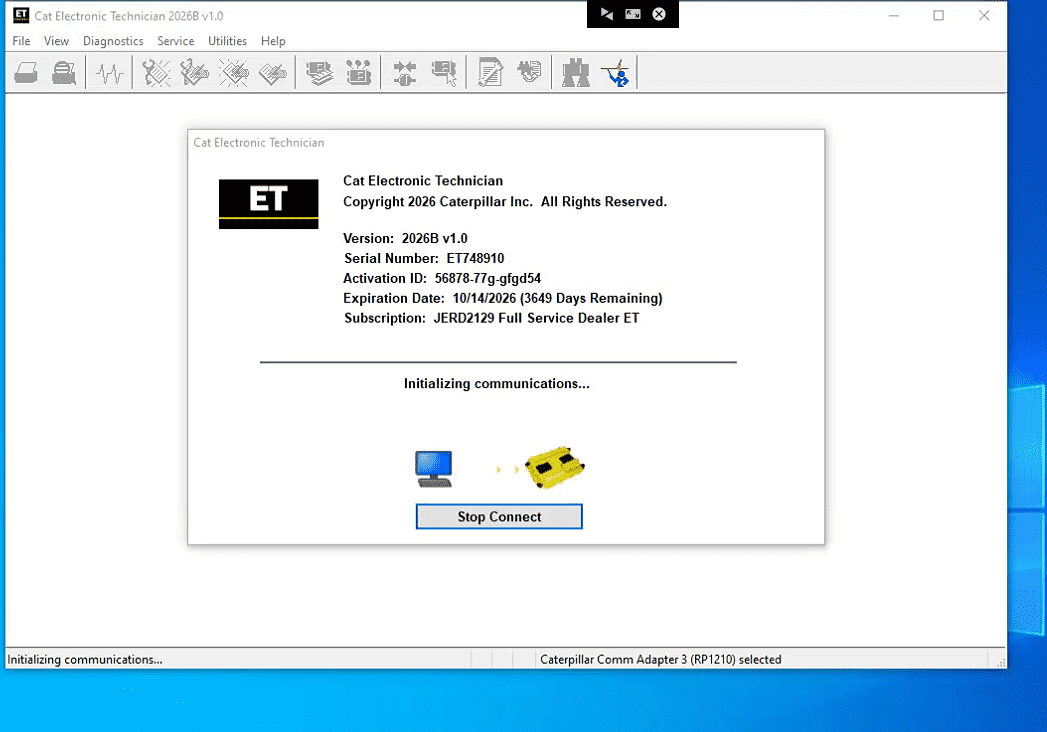
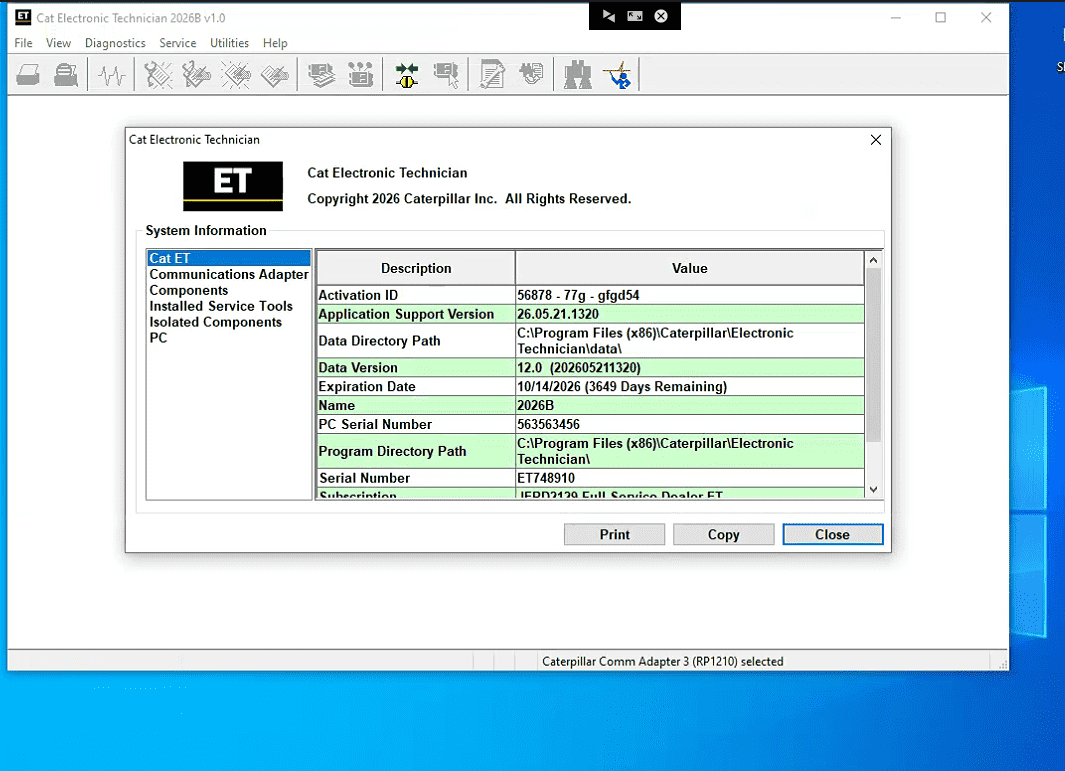
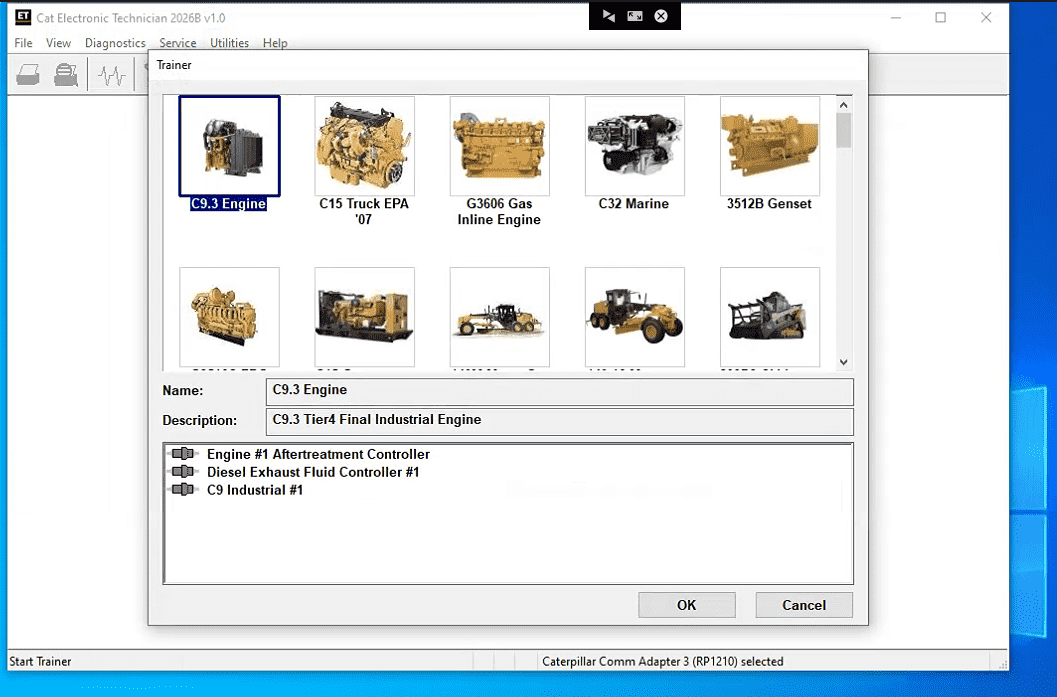
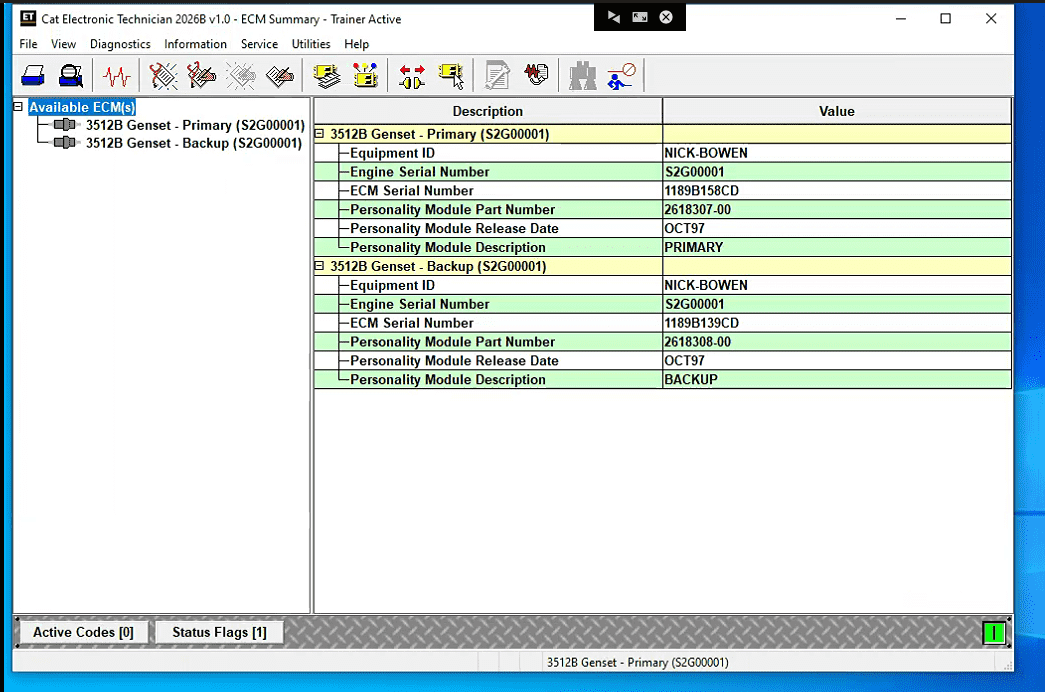
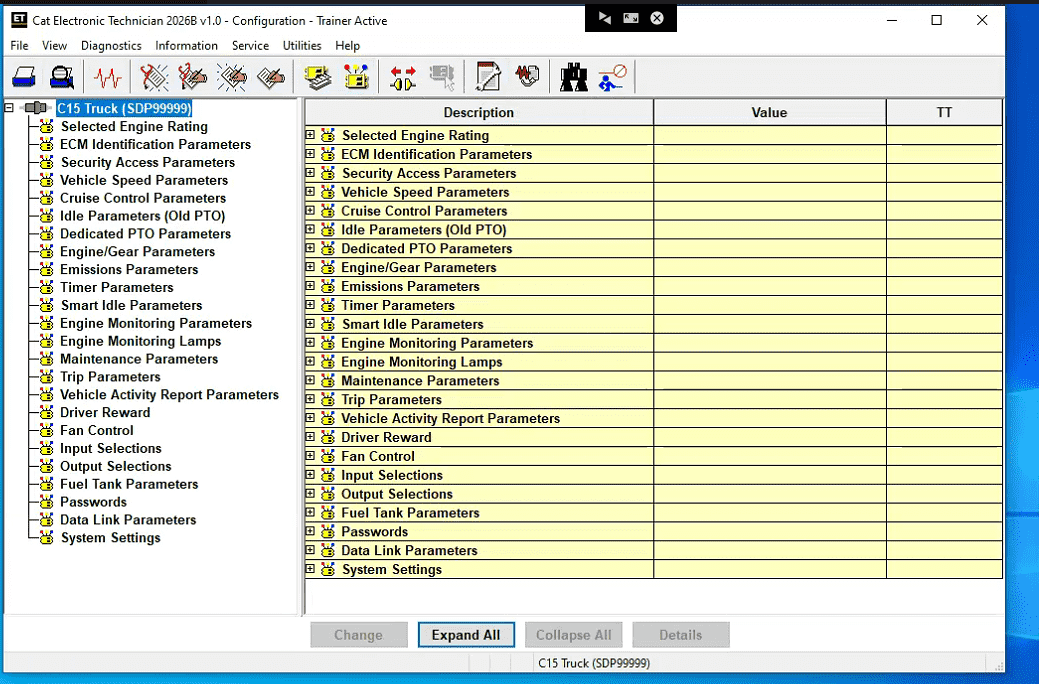
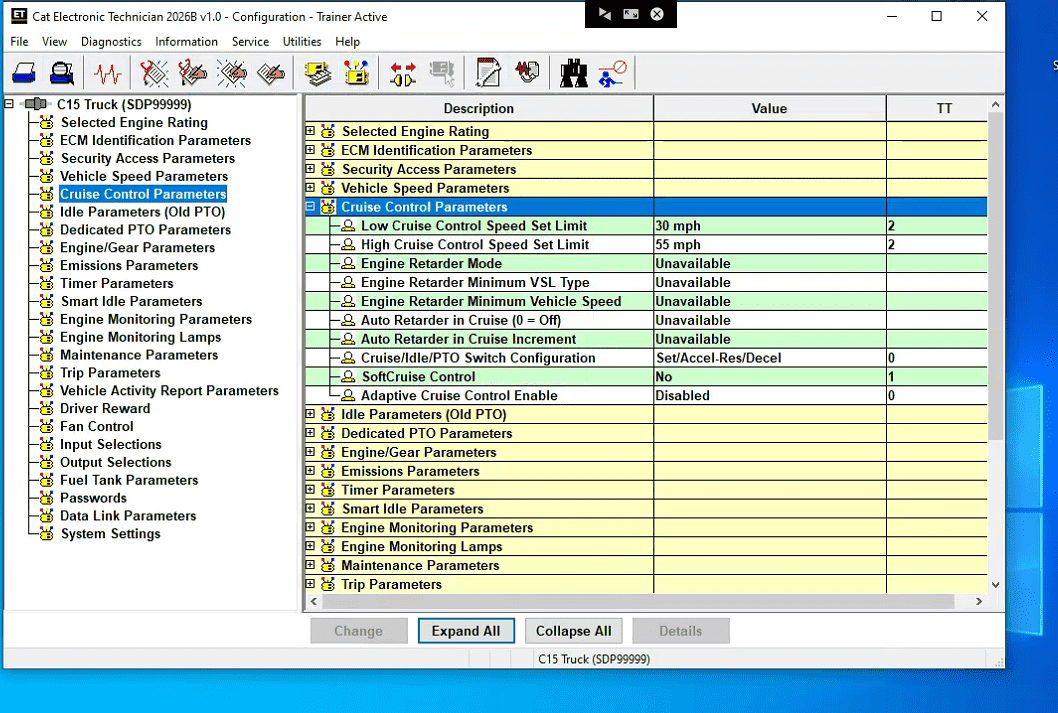
Caterpillar ET 2026B Electronic Technician Diagnostic Software :
Brand: Caterpillar
Region: WorldWide
Support Multi-languages:English, Chinese, Danish, French, German, Italian, Japanese, Portuguese, Russian, Spanish
Support All cars of CAT
With the CAT Diagnostic Tool, you can:
View active and logged diagnostics
View events where irregularities occurred and were logged by the ECM
View the status of a group of parameters (temperatures, pressures, etc.) simultaneously
Record and log performance data
Graph a group of status parameters
View the current configuration of an ECM
Change ECM configurations
Perform diagnostic tests
Perform calibrations
Print reports and diagnostic results
For some machine and engine products, additional functionality has been included with the service tool program
Product Description
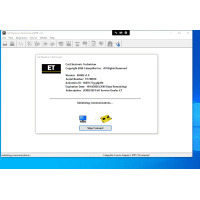
CAT Caterpillar ET Diagnostic Tool from Caterpillar provide the capability to access Electronic Control Modules (ECMs) from a personal computer. Many job-critical tasks can be performed with an electronic service tool. The user can display the status of a group of parameters (temperatures, pressures, etc.) simultaneously, view active and clear logged diagnostics, display the current configuration of an ECM and much more. The service tool works with a communication adapter to allow connection to an ECM. A graphical interface makes this software quick to learn and easy to use. A separate pull-down menu for each function enhances the "ease of use." The version and identification of the ECM is automatically retrieved and is displayed on a summary screen when the program is started. Diagnostic tests and calibrations can also be performed.
CAT Caterpillar ET Diagnostic Tool enable service technicians to reprogram ECMs, reconfigure control system parameters, fine tune performance or diagnose the root cause of a failure the first time. These powerful tools allow service personnel to display and analyze vital performance and health information from any system quickly and accurately. The service tool communicates with any system using ATA (J1708), J1939 or the Caterpillar proprietary data link networks. The service tools provide information and features needed to help a technician diagnose problems and perform repairs and to customize and personalize the operation of a product. By allowing customers to design flexibility and configurability into a product, Caterpillar service tools stretch beyond the capabilities of preprogrammed ECMs or onboard display systems.
PC, Communication Hardware, and Cable Requirements
To run the service tool, the next PC, communication hardware, and cable requirements must be met.
NOTE: The minimum PC Configurations should not be used as a standard when buying new personal computers for service tool purposes. If the existing equipment meets these minimum requirements, it will run the service tool.
PC Requirements
Recommended configurations:
PC with a 2.0 GHz dual-core processor
4 GB RAM
5 GB of available hard disk space
12-inch or larger screen, Windows desktop compatible
Microsoft Windows™ 8.1 Professional, Windows 10 Professional, or Windows 11 Pro (Note: Windows 8 RT is not supported)
RS232 port with 16550AF UART or compatible (for use with Comm Adapter II)
USB v1.1, v2.0, v3.0, or v3.1 port (for use with Comm Adapter 3)
Ethernet RJ45 connector (or Wi-Fi adapter)
Built-in pointing device or mouse
Microsoft Internet Explorer version 11, Microsoft Edge, Firefox, or Chrome browsers are recommended.
Note: The most recent version of Microsoft Internet Explorer may not be validated to work with the service tool.
The list of supported CAT machines and engines can be found below:
Engines:
Electric Power
Electric Power Generation
Industrial
Marine Power Systems
Oil and Gas
Machines:
Articulated Trucks
Asphalt Pavers
Backhoe Loaders
Cold Planers
Compactors
Dozers
Drills
Excavators
Feller Bunchers
Forest Machines
Forwarders
Harvesters
Hydraulic Mining Shovels
Knuckleboom Loaders
Material Handlers
Motor Graders
Off-Highway Trucks
Pipelayers
Road Reclaimers
Site Prep Tractors
Skid Steer and Compact Track Loaders
Skidders
Telehandlers
Track Loaders
Underground - Hard Rock
Underground - Longwall
Underground - Room and Pillar
Utility Vehicles
Wheel Dozers
Wheel Excavators
Wheel Loaders
Wheel Tractor-Scrapers
Option 1:
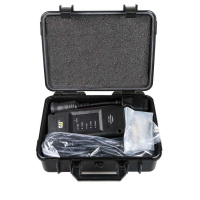
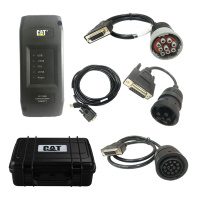
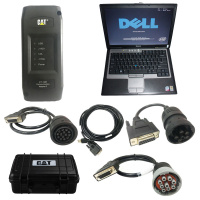
Package including:
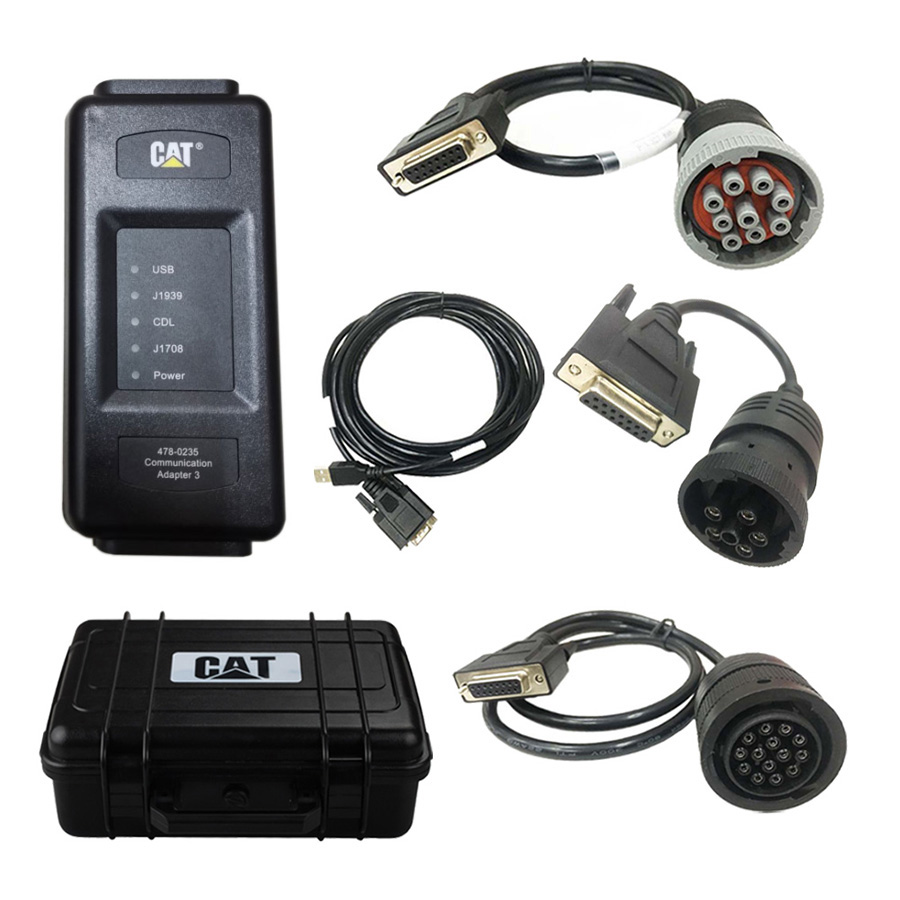
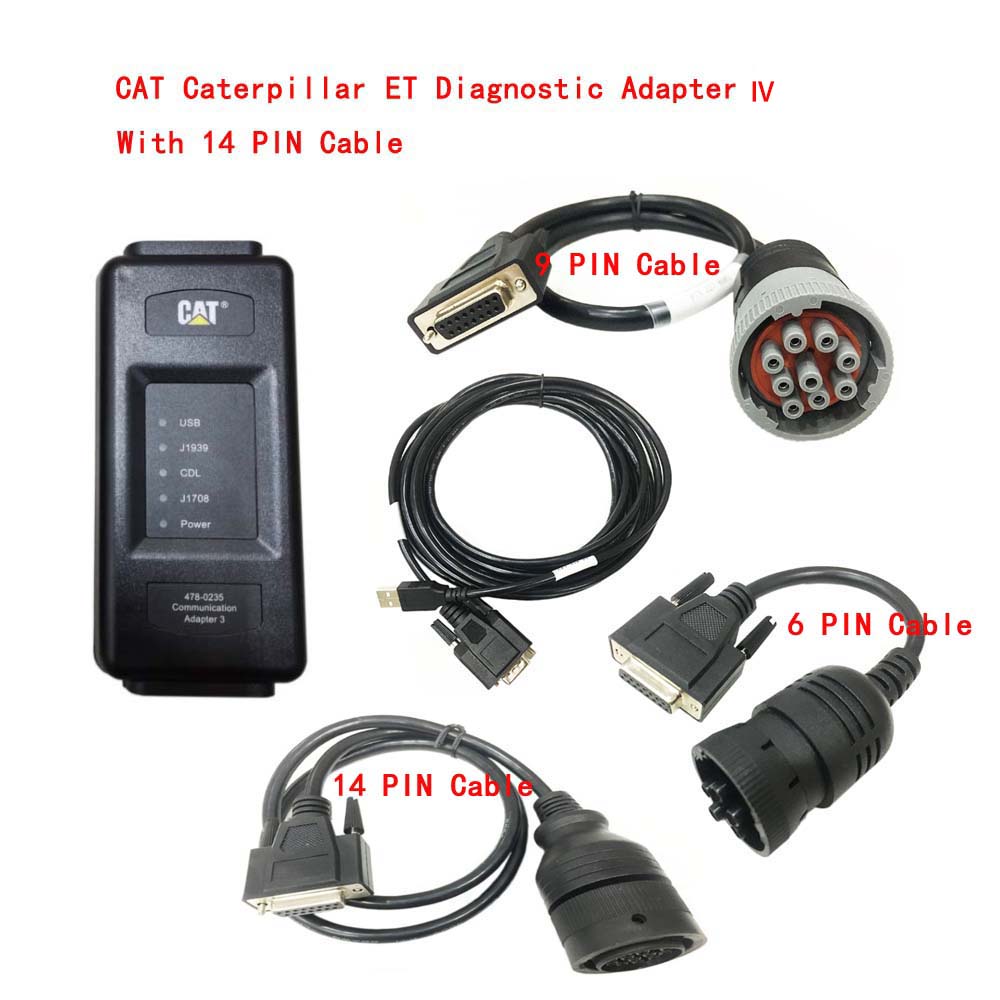
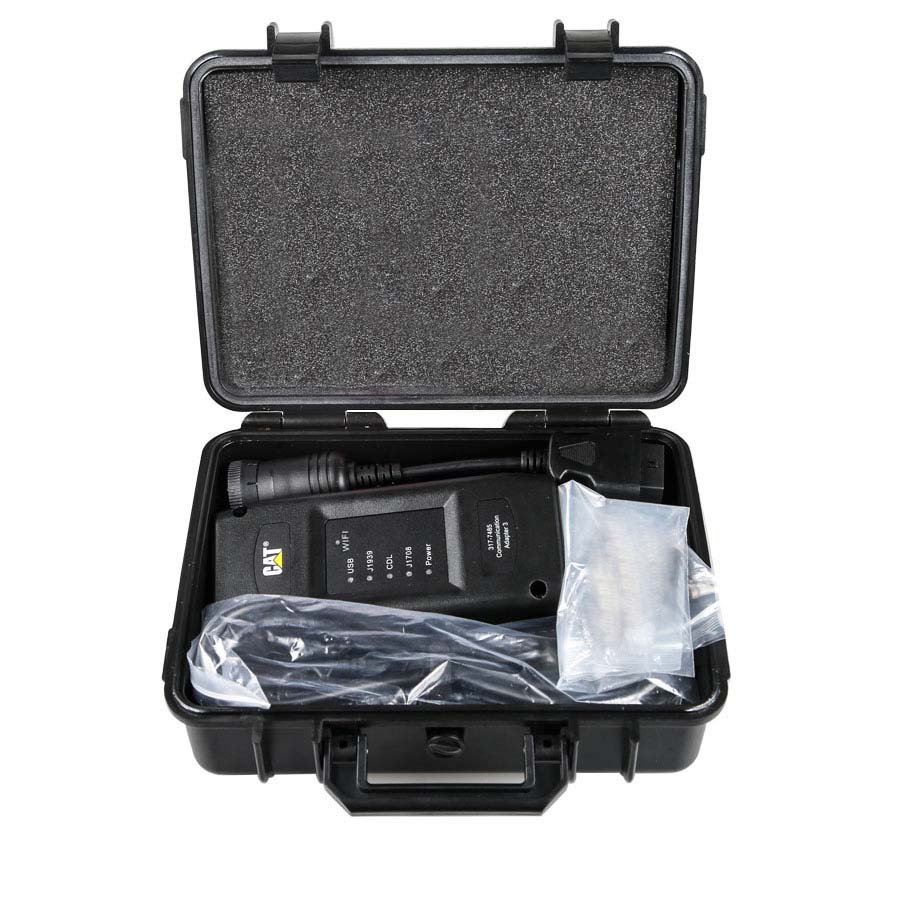
1.Real CAT ET4 Comm Adapter III (it's real cat ET 4,not adapter 2,please check Communication port)
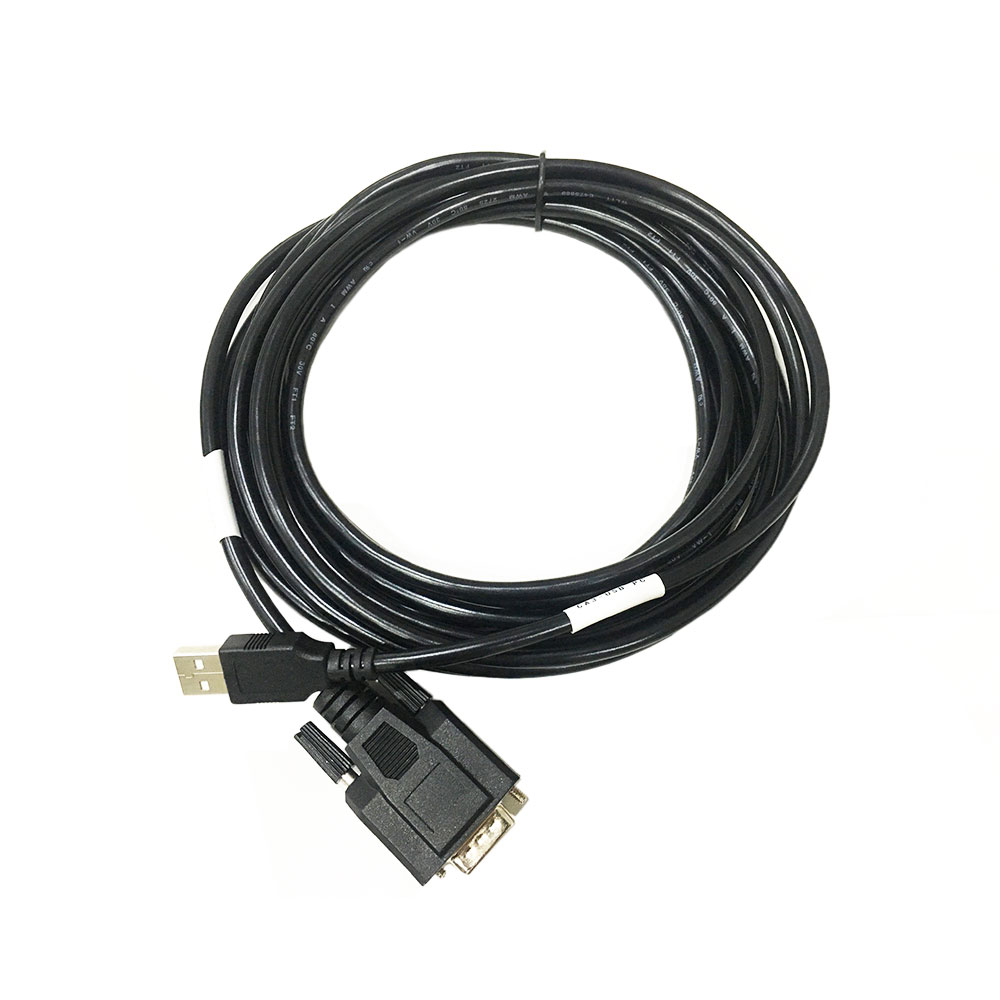
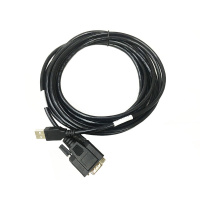
2.USB Cable(From device to your computer)
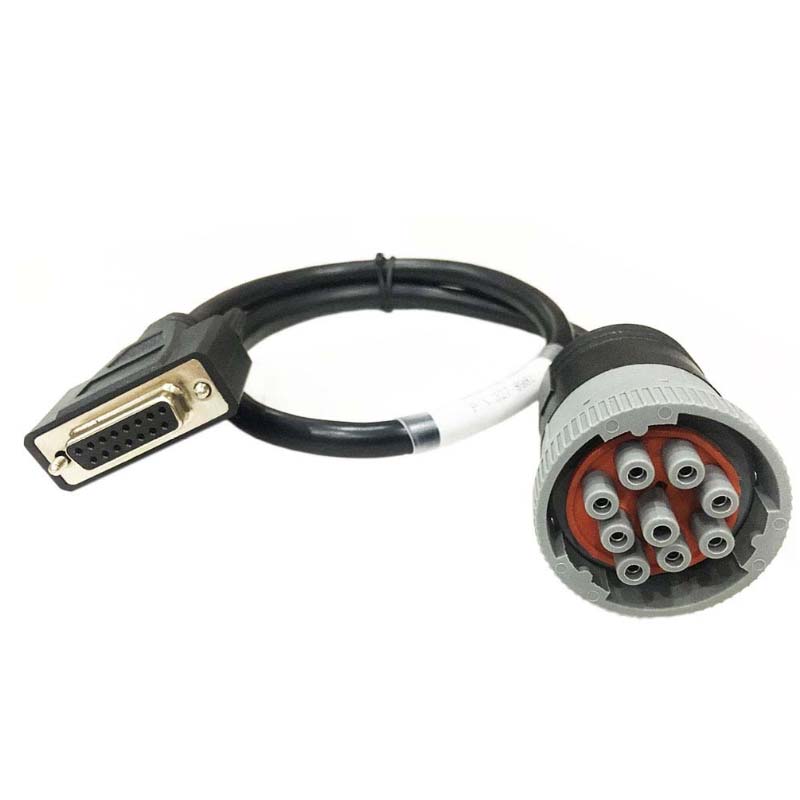
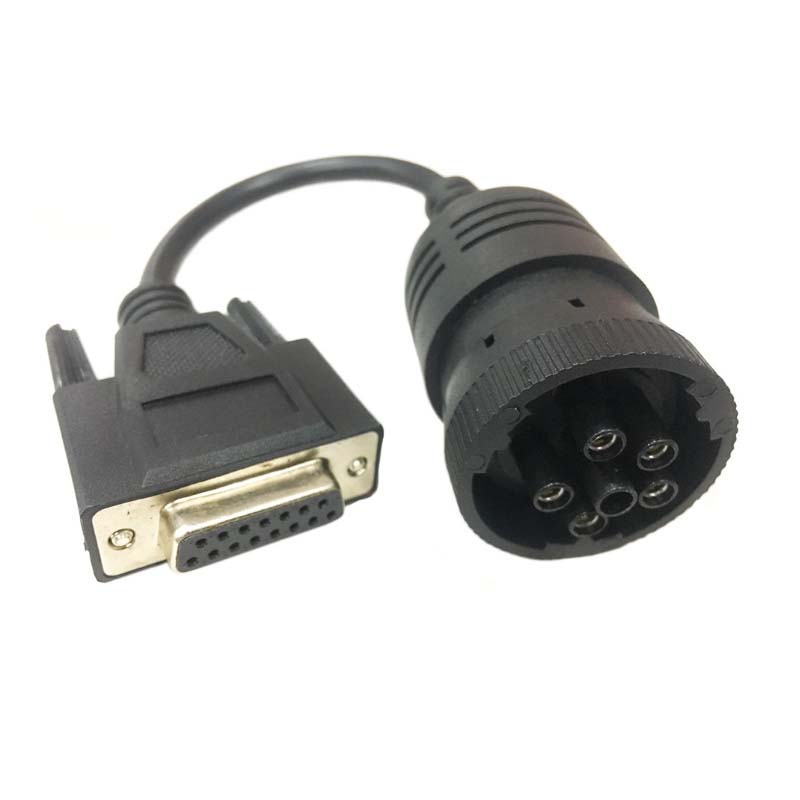
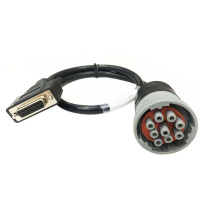
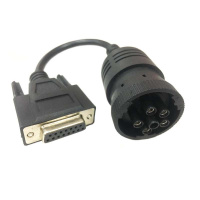
3.J1939/J1708 9PIN Cable
4.ET software DVD
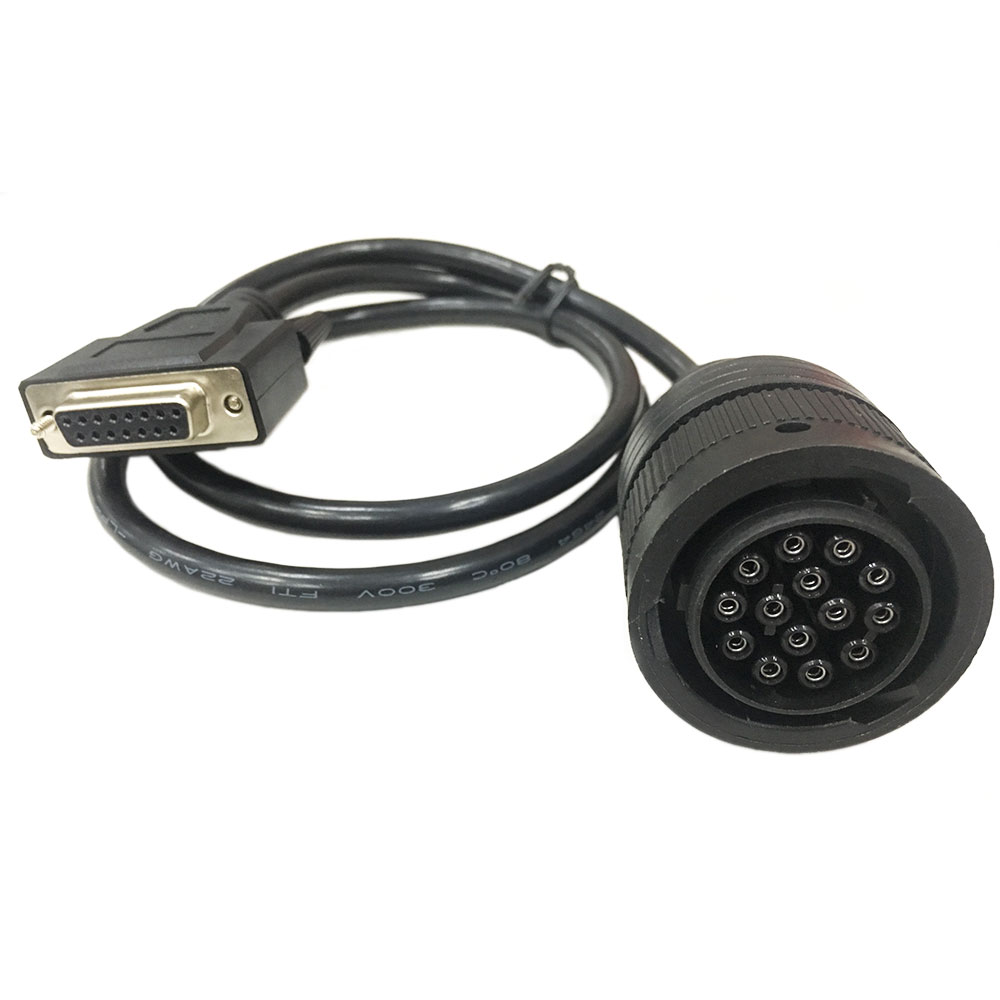
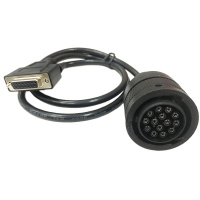
5.14PIN Cable(for new truck)
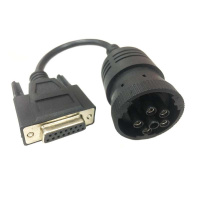
6.6PIN Cable(for old truck)
7.Plastic box
8.2019C Software(CD)
Option 2:
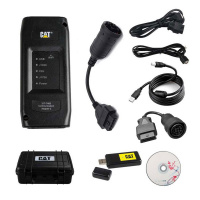
Package including:
1.Real CAT ET4 Comm Adapter III (it's real cat ET 4,not adapter 2,please check Communication port)
2.USB Cable(From device to your computer)
3.J1939/J1708 9PIN Cable
4.ET software DVD
5.14PIN Cable(for new truck)
6.6PIN Cable(for old truck)
7.Plastic box
8.2026B Software (download link) (We will activated software for you remotely , please contact us when you receive the package by email )
Option 3:
Package including:
1.Real CAT ET4 Comm Adapter III (it's real cat ET 4,not adapter 2,please check Communication port)
2.USB Cable(From device to your computer)
3.J1939/J1708 9PIN Cable
4.ET software DVD
5.14PIN Cable(for new truck)
6.6PIN Cable(for old truck)
7.Plastic box
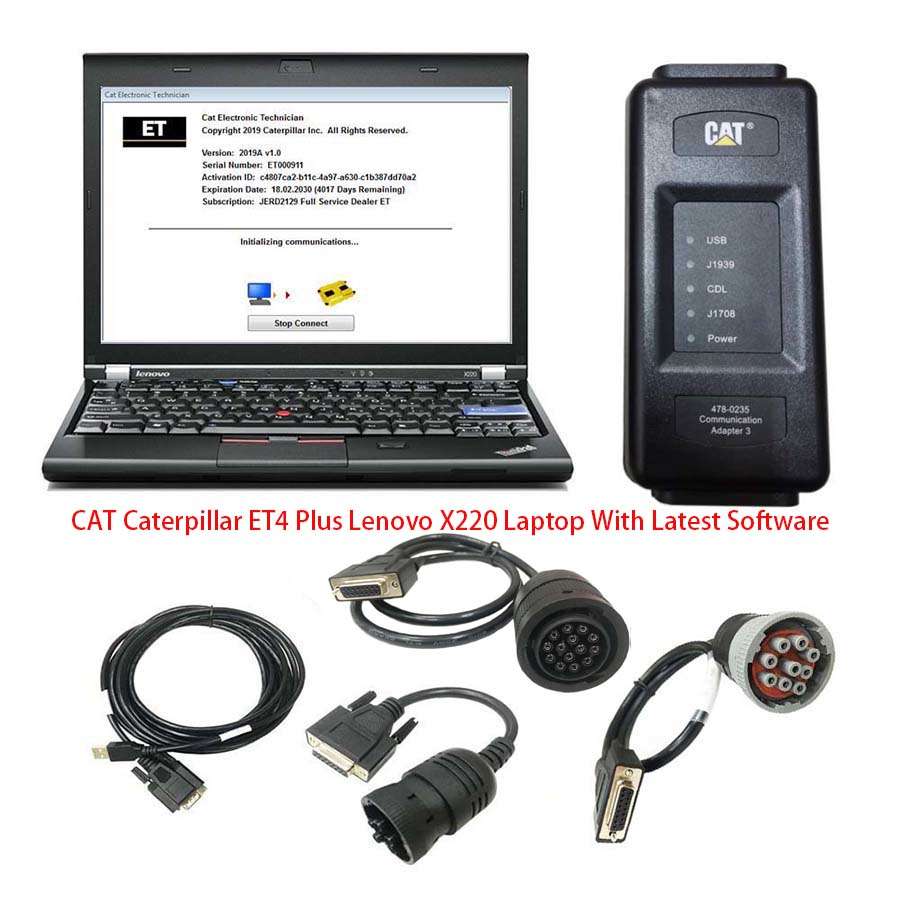
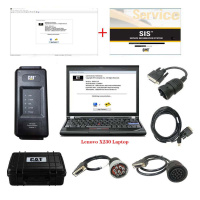
8.1pc x Second Hand Laptop Lenovo X230 Laptop (Software installed and activated well ready to use)
The Second HandLenovo X230 Laptop:
Brand: Lenovo
Screen Size: 12.5
Memory: 4GB
Memory (RAM): Intel(R)Core(TM)I5 CPU
Type: Laptop/Notebook
Condition: Used
Processor Speed: 2.53GHz
Option 4:
Package including:
1.Real CAT ET4 Comm Adapter III (it's real cat ET 4,not adapter 2,please check Communication port)
2.USB Cable(From device to your computer)
3.J1939/J1708 9PIN Cable
4.ET software DVD
5.14PIN Cable(for new truck)
6.6PIN Cable(for old truck)
7.Plastic box
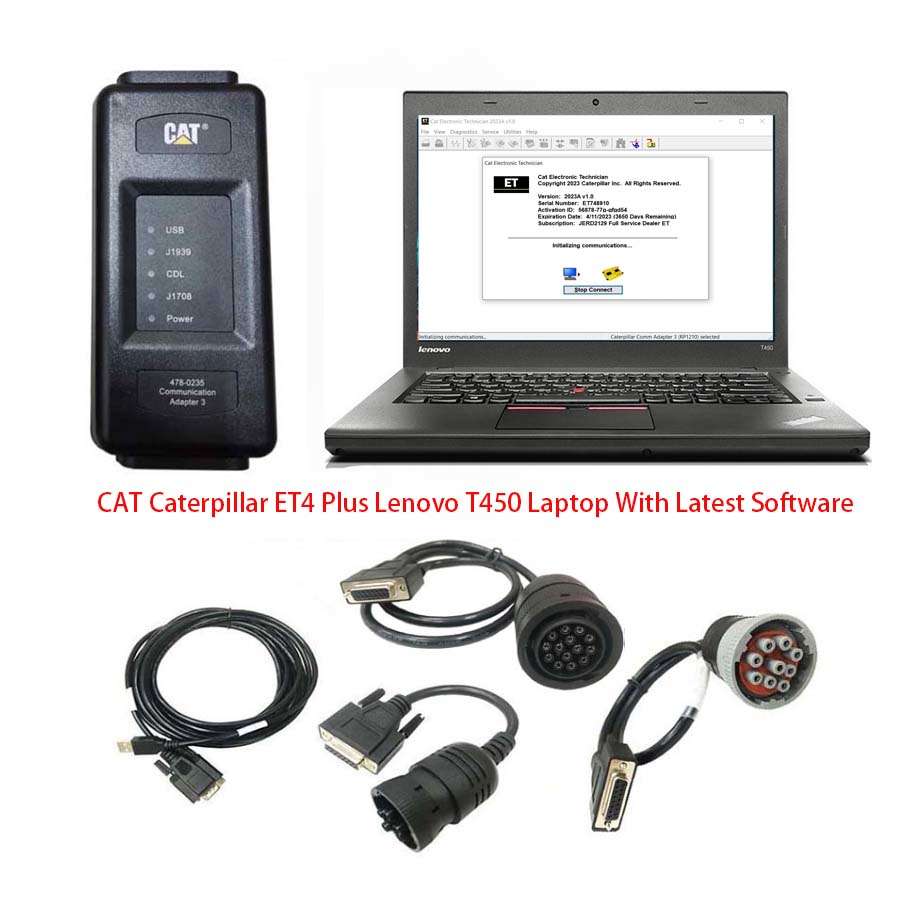
8.1pc x Second Hand Laptop Lenovo T450 Laptop (Software installed and activated well ready to use)
The Second HandLenovo T450 Laptop:
Specification:
Brand: Lenovo
Condition: Used
Type:Laptop/Notebook
Screen Size:14
Processor Type:Intel (R) Core(TM) I5-5200U CPU
Memory: 8GB
Option 5:
Package including:
1.Real CAT ET4 Comm Adapter III (it's real cat ET 4,not adapter 2,please check Communication port)
2.USB Cable(From device to your computer)
3.J1939/J1708 9PIN Cable
4.ET software DVD
5.14PIN Cable(for new truck)
6.6PIN Cable(for old truck)
7.Plastic box
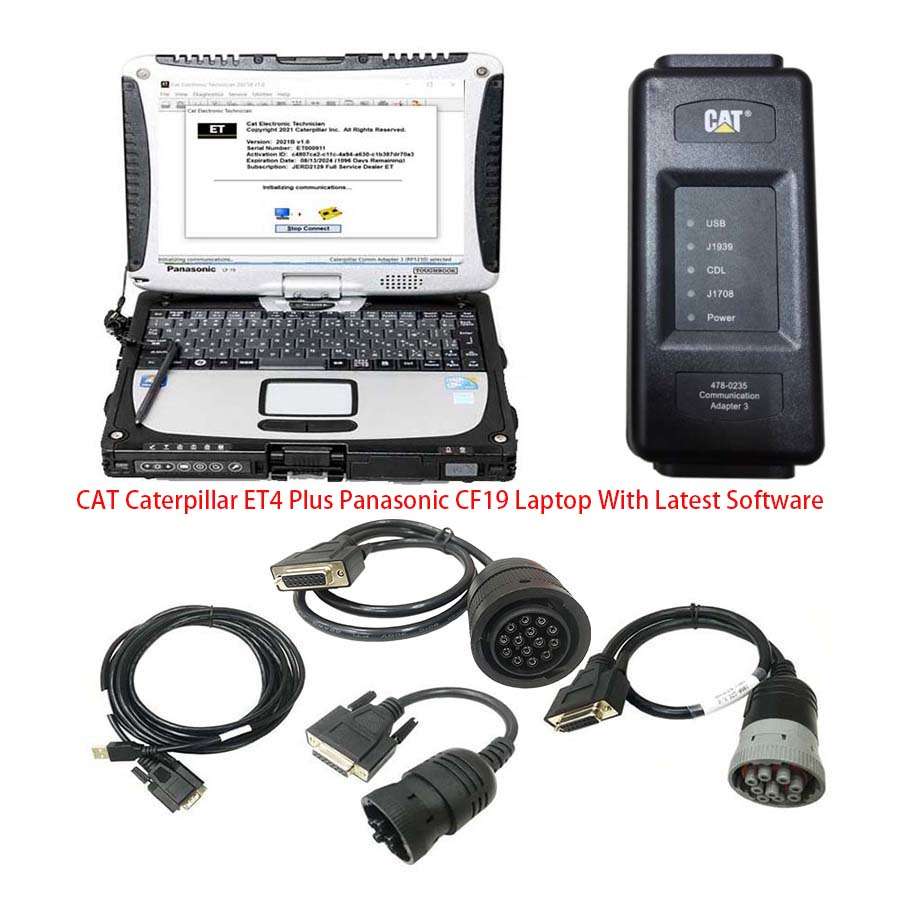
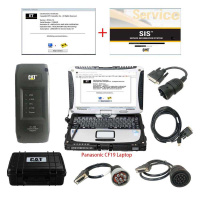
8.1pc x Second Hand Panasonic CF19 Laptop(Software installed and activated well ready to use)
Second Hand Panasonic CF19 I5 4GB Laptop:
Model No: CF-19
Processor Type: Intel(R) Core(TM)I5 CPU i5-3320
Memory Size: 4096 MB
Available Memory: 3893 MB
Condition: Used
Option 6:
Package including:
1.Real CAT ET4 Comm Adapter III (it's real cat ET 4,not adapter 2,please check Communication port)
2.USB Cable(From device to your computer)
3.J1939/J1708 9PIN Cable
4.ET software DVD
5.14PIN Cable(for new truck)
6.6PIN Cable(for old truck)
7.Plastic box
8.1pc x Second-hand Panasonic FZ-G1 I5 4rd generation Tablet(Software installed and activated well ready to use)
What's New - Updates by Version
2026B
No significant new features or feature enhancements
2026A
Open Report File Feature Update
New security models no longer allow XML files to be opened in browser windows. The “Report File” function on the File => Open menu now creates an HTML file when an XML file is opened. This restores the ability to open report files created in the service tool in a browser.
2025C
No significant new features or feature enhancements
2025B
Trainer Update – 140-16 Motor Grader
The 140-16 Motor Grader has been added to the Trainer application.
Trainer Update – 627 Wheel Tractor-Scraper
The 627 Tractor-Scraper has been added to the Trainer application.
2025A
No significant new features or feature enhancements
2024C
Automatic Connection Preferences
Users are now able to change multiple automatic connection preferences for the service tool and WinFlash. After navigating to the Preferences dialog, users may enable the service tool to connect automatically when opened in service and/or flash mode. Both options may also be disabled if the user wishes to connect manually.
2024B
No significant new features or feature enhancements
2024A
Feature Protection System (FPS) Default Browser Update
During flash, a progress bar that tracks the flash progress will display over the service tool application icon on the taskbar. This allows the user to work in other windows or applications without having to switch back and forth to monitor the progress of the flash.
Trainer Update – 995 Large Wheel Loader
The 995 Large Wheel Loader has been added to the Trainer application.
2023C
Flash Progress Bar
The default browser selection options for the Feature Protection System (FPS) have been updated. After installation or upgrade, “Default Browser” will be the default browser selected, eliminating the need for technicians to manually change the setting. Internet Explorer remains a selectable option.